
Before
After
Click to upload, drag to upload, paste image
No image? Try these:


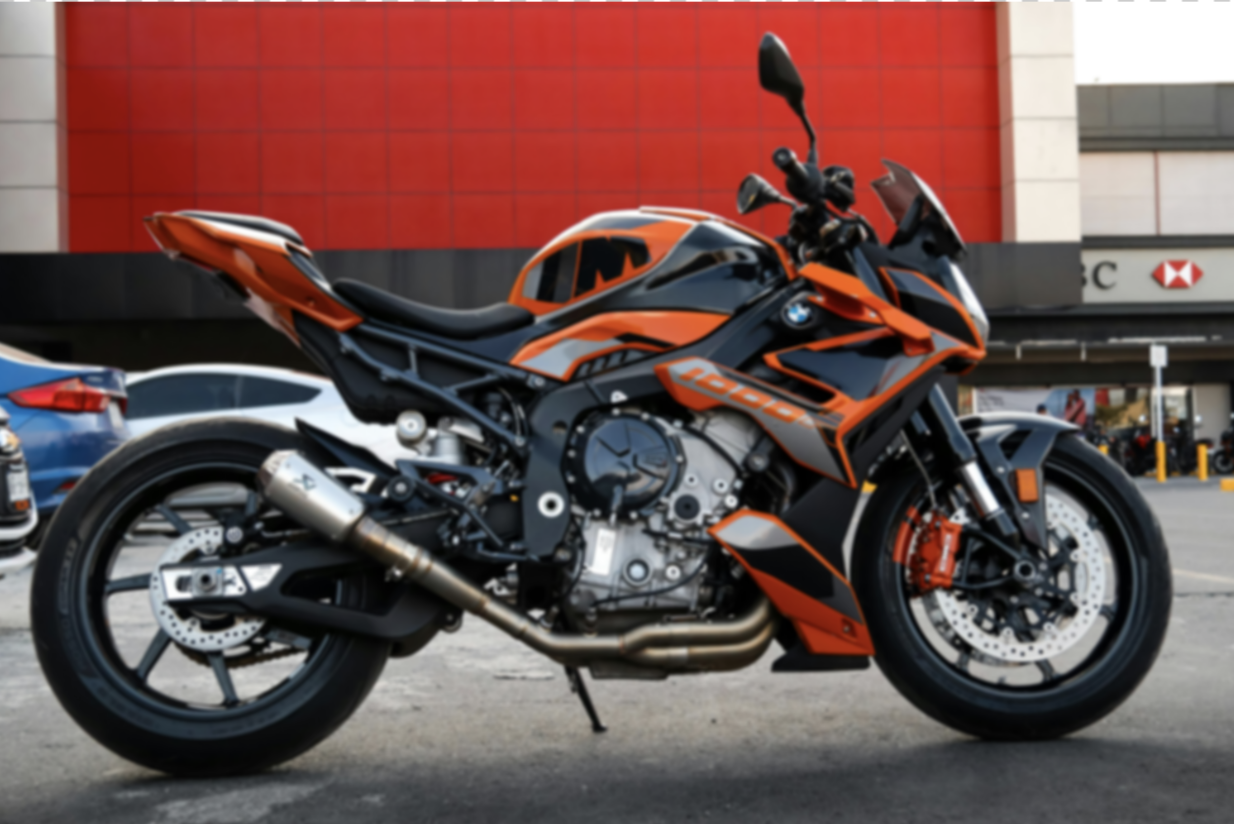
Enhance blurry photos with AI. Increase resolution, sharpen details, and improve image quality automatically. Free AI image upscaler.
No image? Try these:
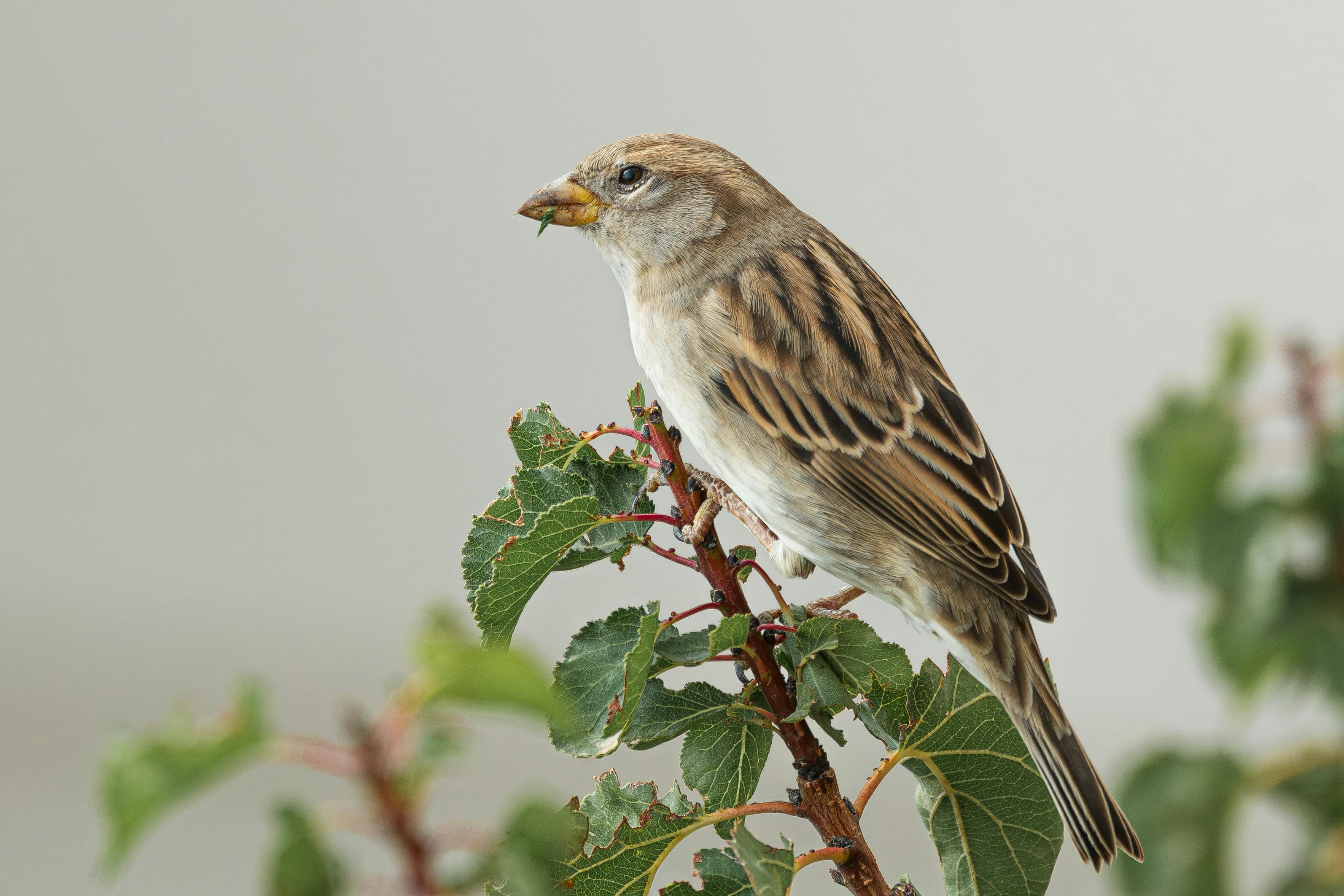
Use AI to enhance images for free, no hidden costs, easily improve image quality.
Superhuman AI's editing tool removes blur and noise, optimizes colors, while enhancing clarity and details, instantly reviving old photos.
Ensure your HD work stays clean, supports subscription for no watermark, perfect for social media platforms.无水印,适用于社交媒体平台。
No complex steps, just upload images, Superhuman AI editing tool automatically optimizes, enhancing image clarity and details in seconds.
Using Superhuman AI's smart image enlargement technology, enhance HD quality while preserving natural image details.
Whether Windows, Mac, iOS or Android, Superhuman AI provides HD enhancement service online anytime, meeting users' needs for instant clarity.
Upload, drag or paste images that need enhancement to AI image generator tool, supports JPG, PNG, JPEG formats.
Superhuman AI image editor automatically optimizes images, improves quality, generates 4K level clarity. You can also use more AI tools to further enhance images, such as background removal, making subjects clearer.
4K
Satisfied with the editing effect? Click the 'Download' button, save high quality images, get high quality HD images!
Common Questions About AI Image Enhancer Tool
We provide basic image enhancement functions, trained with millions of images. After you upload an image, the system will automatically recognize and process it within 15 seconds, then you can download the HD image, completely without any manual operation.
Photos with clear subjects such as portraits, pets, products, vehicles are most suitable for enhancement. Blurry photos, old photos, low-resolution images can all significantly improve clarity. If you need more refined processing effects, you can use it with other AI tools.
Common formats are supported: JPG, PNG, JPEG, WebP, BMP. After processing, you'll get an enhanced HD image, maintaining the original format. Convenient for subsequent use, file size is recommended to be controlled within 10MB.
Free users can process 50 images per month, outputting high quality. If you need more processing times and higher resolution output, you can upgrade to the professional version, enjoying unlimited times and 4K output.
Yes. Free version supports 1 at a time, professional version supports batch upload processing. We will process them in order quickly, and you can download all of them with one click after completion.
Personal projects can be used freely. For commercial use, such as e-commerce, advertising, design companies, etc., it is recommended to use the professional version, which comes with commercial authorization and professional technical support.
E-commerce sellers, photographers, designers, self-media creators are all using it. Whether it's product image optimization, poster design, cover creation, or improving old photo quality, it can save a lot of PS processing time.
No. After the image processing is completed, the server will delete it immediately. We value user privacy protection. The downloaded image files are completely yours, and you can safely store and use them long-term.