

Supprimez les arrière-plans automatiquement avec l'IA - Gratuit et Rapide
ou glisser-déposer
Pas d'image ? Essayez celles-ci :
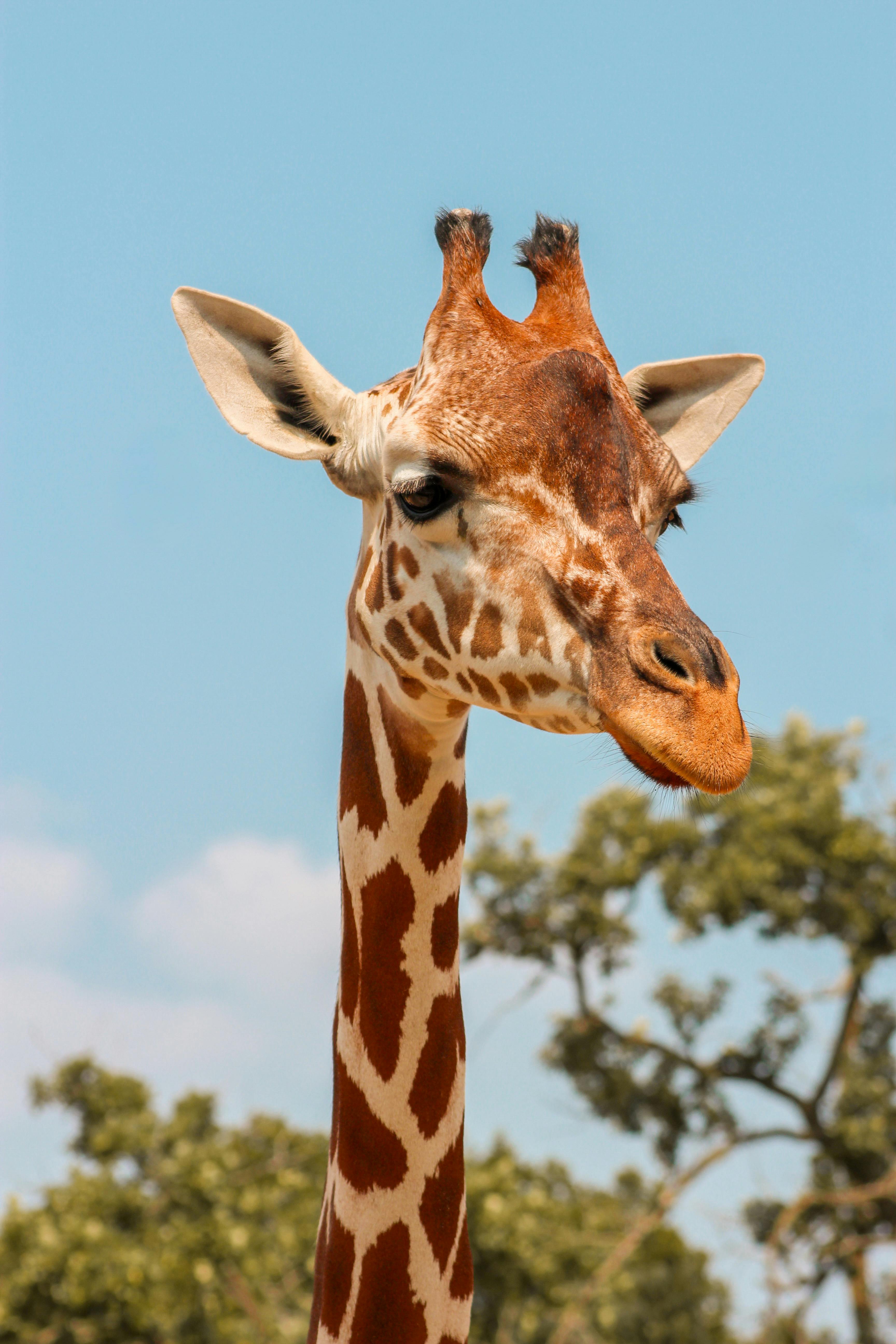

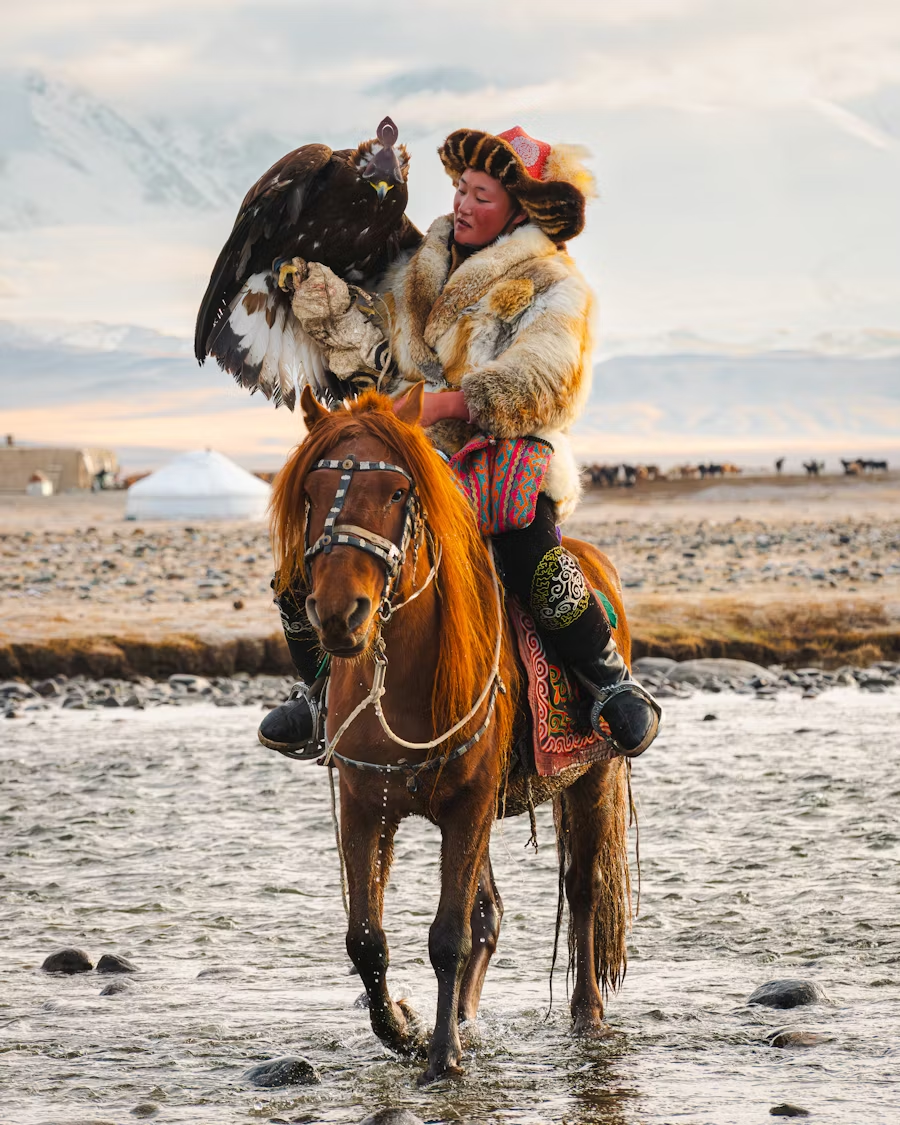
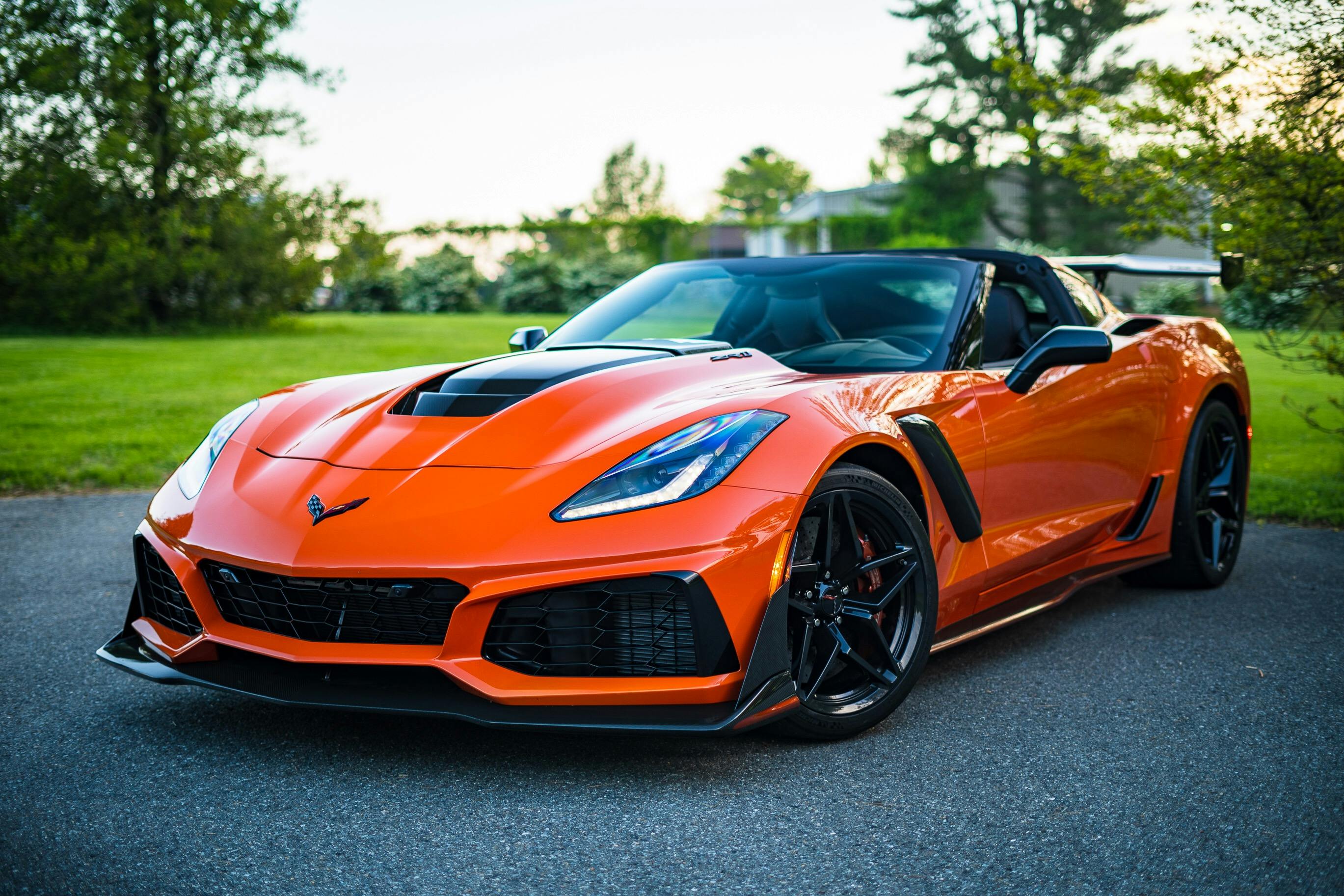
By uploading an image or URL, you agree to our Terms of Service。 To learn how we handle your personal data, please see our Privacy Policy。
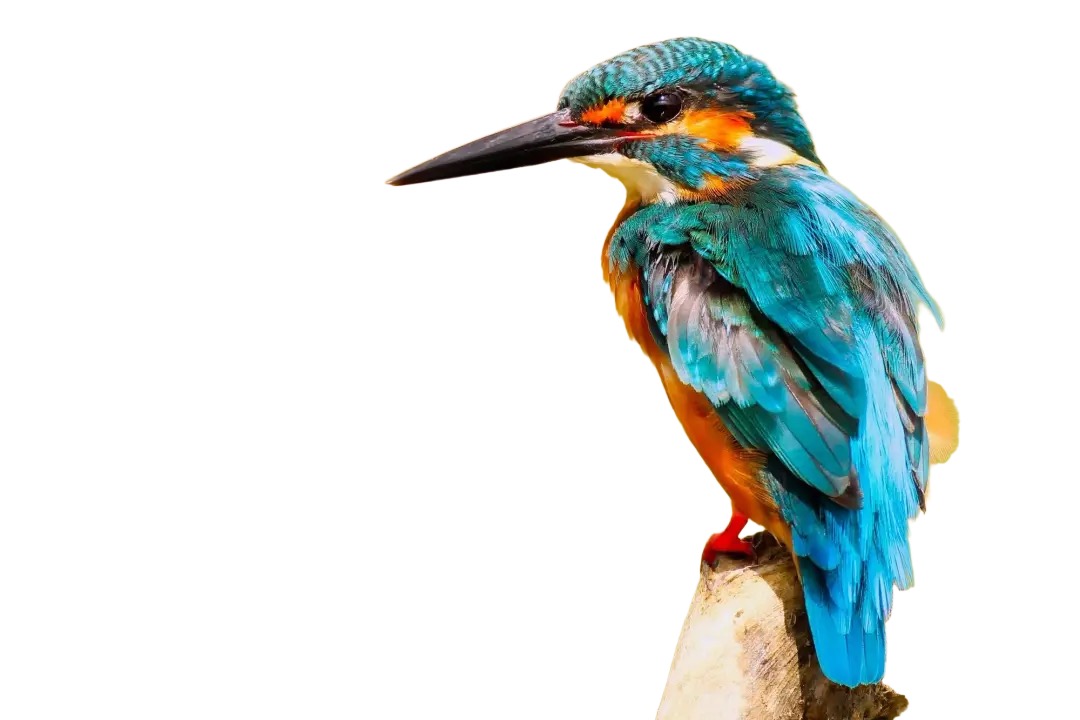
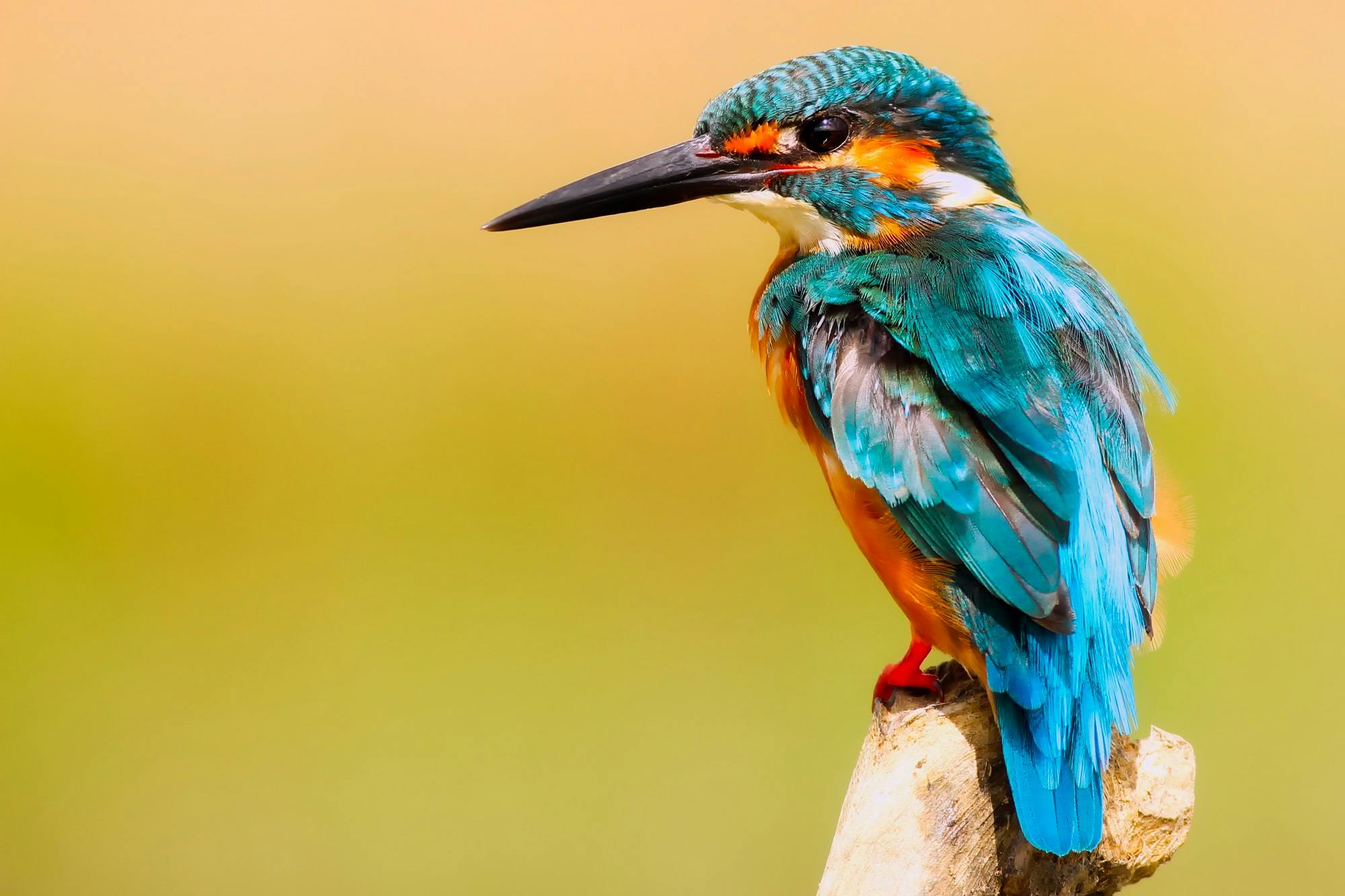
Experience next-generation background removal
Lightning-fast AI processing removes backgrounds in 5 seconds with pixel-perfect precision.
Remove backgrounds for free, no registration required, instant processing.
Get crystal clear results with HD quality output preserving every detail of your subject.
Advanced machine learning identifies subjects and backgrounds with stunning accuracy.
Simply upload your image and let our AI do the work. No manual editing required.
Advanced AI algorithms detect complex edges like hair, fur, and transparent objects with stunning accuracy.
Supports JPG, PNG, WebP, and BMP formats with transparent PNG output for maximum compatibility.
Add new backgrounds, apply effects, or keep transparent. Choose from millions of stock photos or solid colors.
First, click "Start with Photo" to select the image you want to remove the background from. Image format can be PNG or JPG, we support all image sizes.
Our tool automatically removes your background. Next, you can choose a background color. Popular options are white and transparent backgrounds, but you can pick any color you like.
After choosing a new background color, just download your photo!
Everything you need to know about our AI background remover
We use deep learning models trained on millions of images. After you upload a photo, the system automatically identifies the subject and background, then removes the background. The whole process takes about 5 seconds and requires no manual operation.
Portraits, pets, products, and vehicles all work well. The more contrast between subject and background, the better the results. Complex backgrounds or blurred subject edges may require manual adjustment.
Common formats are supported: JPG, PNG, WebP, BMP. After processing, you'll get a PNG with transparent background for convenient use. Recommended file size is under 10MB.
Free users can process 50 images per month with standard quality output. For batch processing or HD output, upgrade to the professional version. It's sufficient for personal use.
Yes. Free version allows up to 3 images at a time, while Pro and Enterprise versions support batch upload. We'll process them in order and you can download all when complete.
Personal projects are free to use. For commercial purposes like e-commerce, advertising, or design companies, we recommend Pro or Enterprise versions with commercial licenses and technical support.
E-commerce sellers, photographers, designers, and media creators use it most. Product photography, ID photos, and poster design scenarios are all suitable. Saves time from Photoshop editing.
No. Images are deleted from servers immediately after processing. We don't store any user data. Downloaded files are completely yours to use as you wish. Privacy is guaranteed.